
Recording
Milogs: Private Recording App for Voice, Photos, and Video
Milogs is a private recording app for voice, photos, and video. Capture where typing is impractical, keep the recording inside the entry or plan it belongs to, and let on-device AI turn it into text you can search. When you sync, media is end-to-end encrypted.
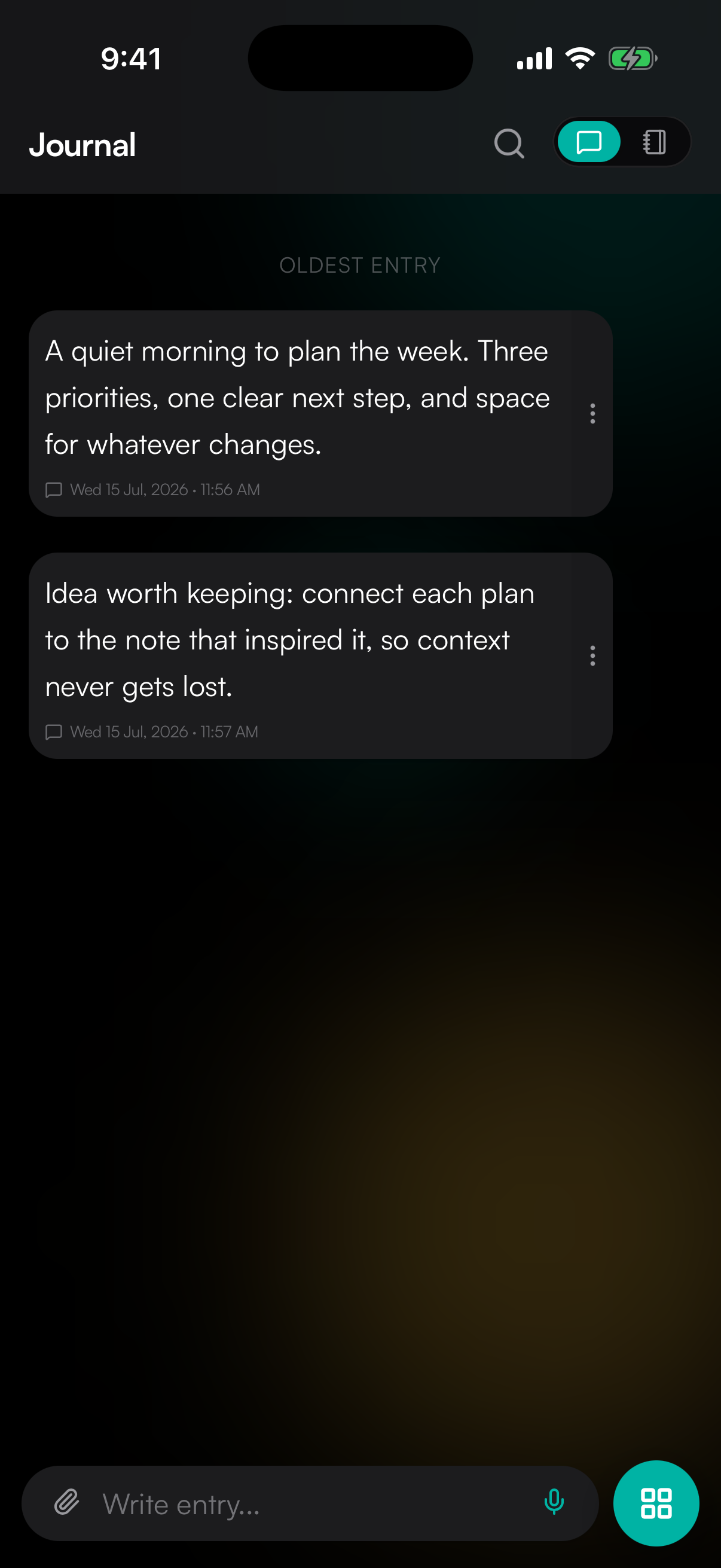
Record where it belongs
A standalone recorder hands you a list of unnamed files you have to file later. Here the voice note, photo, or clip is captured into the entry or plan it belongs to, and stays there.
Speech becomes searchable text
On-device AI transcription and summarization turn a recording into words you can search. The audio never leaves your device to do it.
Media gets the same encryption
Voice, photos, and video are covered by end-to-end encryption when you sync, not just the text you typed. No ads, no telemetry, no data sales.
What you can do
A clear answer
What is this for?
A recording app is for the moments when typing is the wrong interface: hands full, driving, walking, a child asleep on your chest, something you want to say before you lose the thread of it. Milogs records into the entry or plan the recording belongs to, then transcribes it on your device so it becomes text you can find again.
1. Capture in the moment
Open the entry you are already in and record. Speak, photograph, or shoot video rather than losing the thought while you unlock, type, and edit.
2. Let it stay where it was made
The recording is attached to that entry or plan, next to the written context and the other media, instead of waiting in a separate app for you to sort out.
3. Make it findable
On-device AI transcription turns the audio into text, so a half-remembered sentence from a recording months ago is something you can search for.
Frequently asked questions
Why record inside a journal instead of using a voice recorder app?
Because a recording without context decays fast. A standalone recorder gives you files called "Recording 14" and no reason to remember what they were about. Recording into the entry or plan it belongs to keeps the audio next to the words that explain it.
Does transcription send my recordings to a server?
No. Transcription and summarization run on your device as part of on-device AI. Your audio stays where you recorded it, and the transcript it produces is searchable only by you.
Are photos and video encrypted as well as text?
Yes. When you enable optional sync, your entries and their media are end-to-end encrypted, so only you can read or play them. Milogs is local-first and works offline, and there are no ads, no telemetry, and no data sales.
Can I record when I have no signal?
Yes. Capture works fully offline because Milogs is local-first. You can start with no account at all, record as much as you like, and sign in later if you want sync across devices and cross-platform access.